01
Take a photo. That’s it.
Capture a letter or add a PDF.

For life beyond the filing cabinet
Capture. File. Clear your mind.
Let it go from your mind. Find it again with a few words.
No account needed. Fictional sample documents.




 Home
Home12 September 2026 · 1 page
Hello,
Here is your household bill. All details in this demo are fictional.
| Energy used | 1,840 kWh |
| Already paid | €660.00 |
| Amount due | €42.80 |

Not another hobby. Just less paperwork.
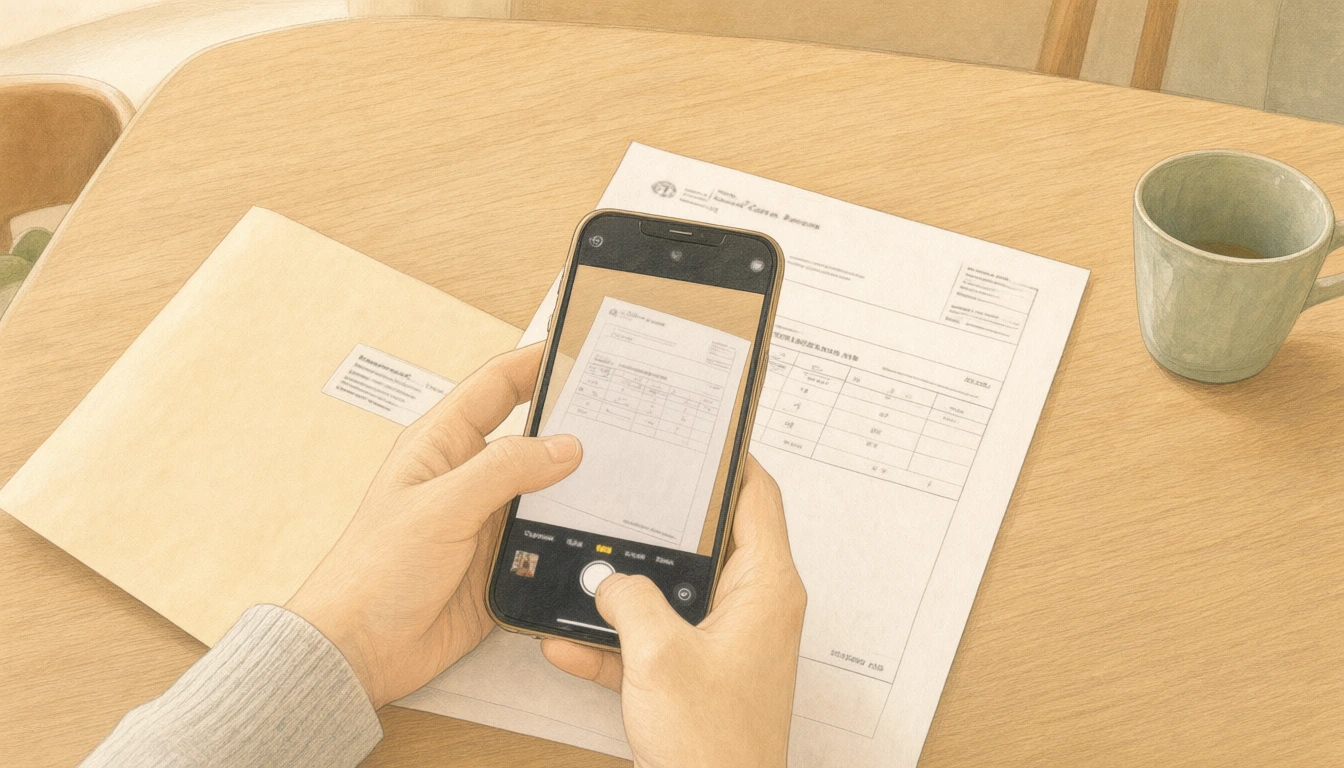
No scanner. No big project.
Hefter then helps you read, check and file it.
Illustrative scene · rendered locally on the GX-10.Capture a letter or add a PDF.
Make the text readable. Suggest a folder. Check uncertain details.
Search or browse. At home and on the go.
Try it for yourself
From a crooked photo to a readable PDF. Tap the payment details, then find your document again with a word.
Sample demo · no uploads · fictional documents.
Your sample documents3 documents · all samples
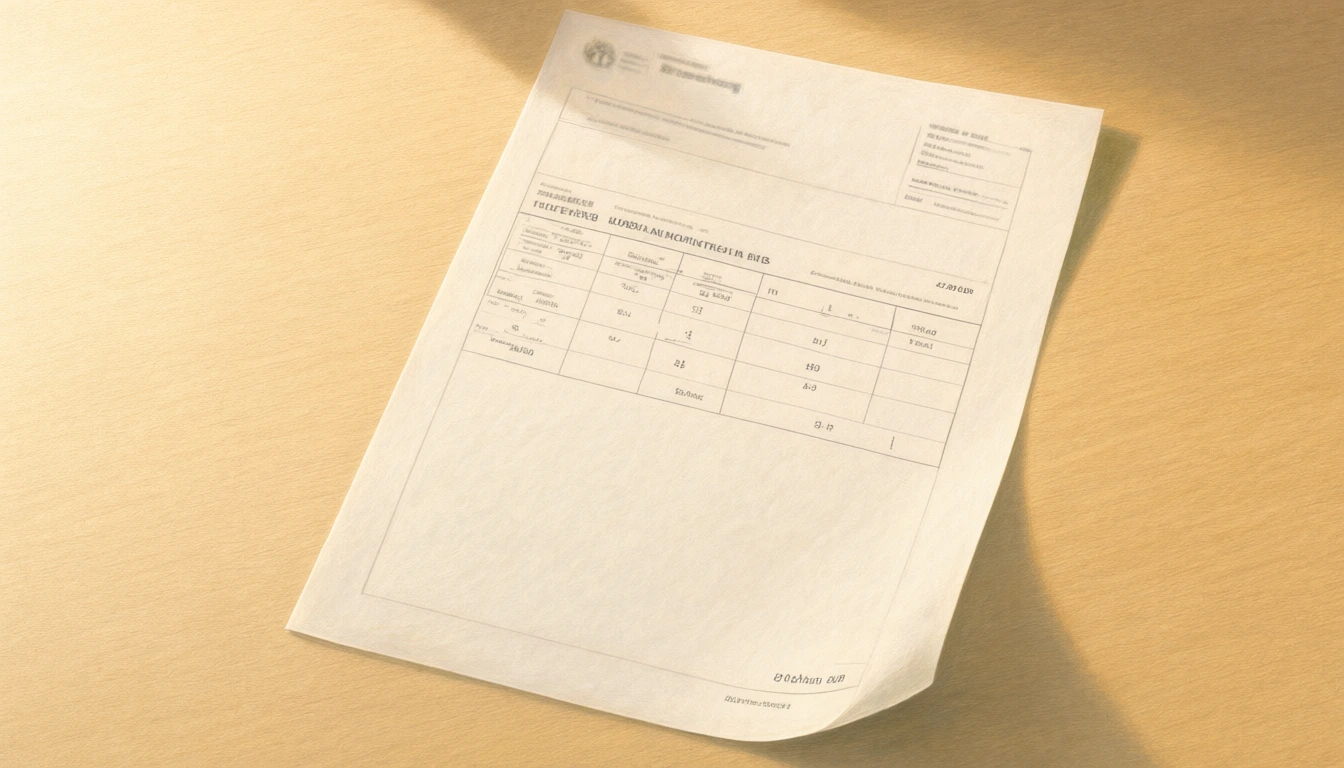 Home
Home12 September 2026 · 1 page
Hello,
Here is your household bill. All details in this demo are fictional.
| Energy used | 1,840 kWh |
| Already paid | €660.00 |
| Amount due | €42.80 |
A familiar place
Run it yourself. Set up secure remote access to use it on the go.
Available today
Your own computer or server. Once it is set up, all you need is a browser.
In development
Guided setup for storage and processing.
 Your documents are filed. You can take a break.
Peace of mind needs trust
A processing record lets you follow the recorded steps.
The record lists the models and data routes logged: on your system or to an external provider.
Steps and timestamps are logged. Take a closer look whenever you need to.
The AI processing certificate is digitally signed and can be exported for verification.
 PROCESS CERTIFICATE
A reduced public example. The full audit stays in your instance.
Stage, model, destination, trust classification and timestamp per recorded model call.
SHA-256 binds the record to the document ID, title, creation time and reconstructed text.
Canonical JSON is signed with Ed25519. The public key travels with the export; the private key stays on the server.
QC indicates the completed workflow, not an independent certification of accuracy. This sample is signed with a disposable demo key, not your instance’s key. A bundled key verifies integrity; trusted provenance requires comparing the key with your instance.
It records the processing workflow logged by Hefter. It is not an independent security certification and does not guarantee that every extracted detail is correct. In the app, viewing the full record requires you to confirm your password again, including a second factor if one is configured.
For everyday use, you just need a browser: capture, check and search. Hosting it yourself still requires some technical setup. Guided setup for storage and processing is in development.
That depends on how you host Hefter and configure processing. Self-hosting allows you to process documents on your own system. External providers receive content according to your configured data routes. You choose which links to share. There is no blanket privacy guarantee.
Yes, if your instance is running and secure remote access is set up. Open Hefter in your phone or computer browser. Setup depends on how you host it.
No. The processed version makes reading easier. Check important details against the original. Do not discard paper originals based on this demo alone.
The app is currently in closed testing. Existing account holders can sign in. Public registration is not yet available.
For the moment you need it.
A little demo. A first impression. No commitment.